Internal News Right in Your LMS — News & Updates in AcademyOcean
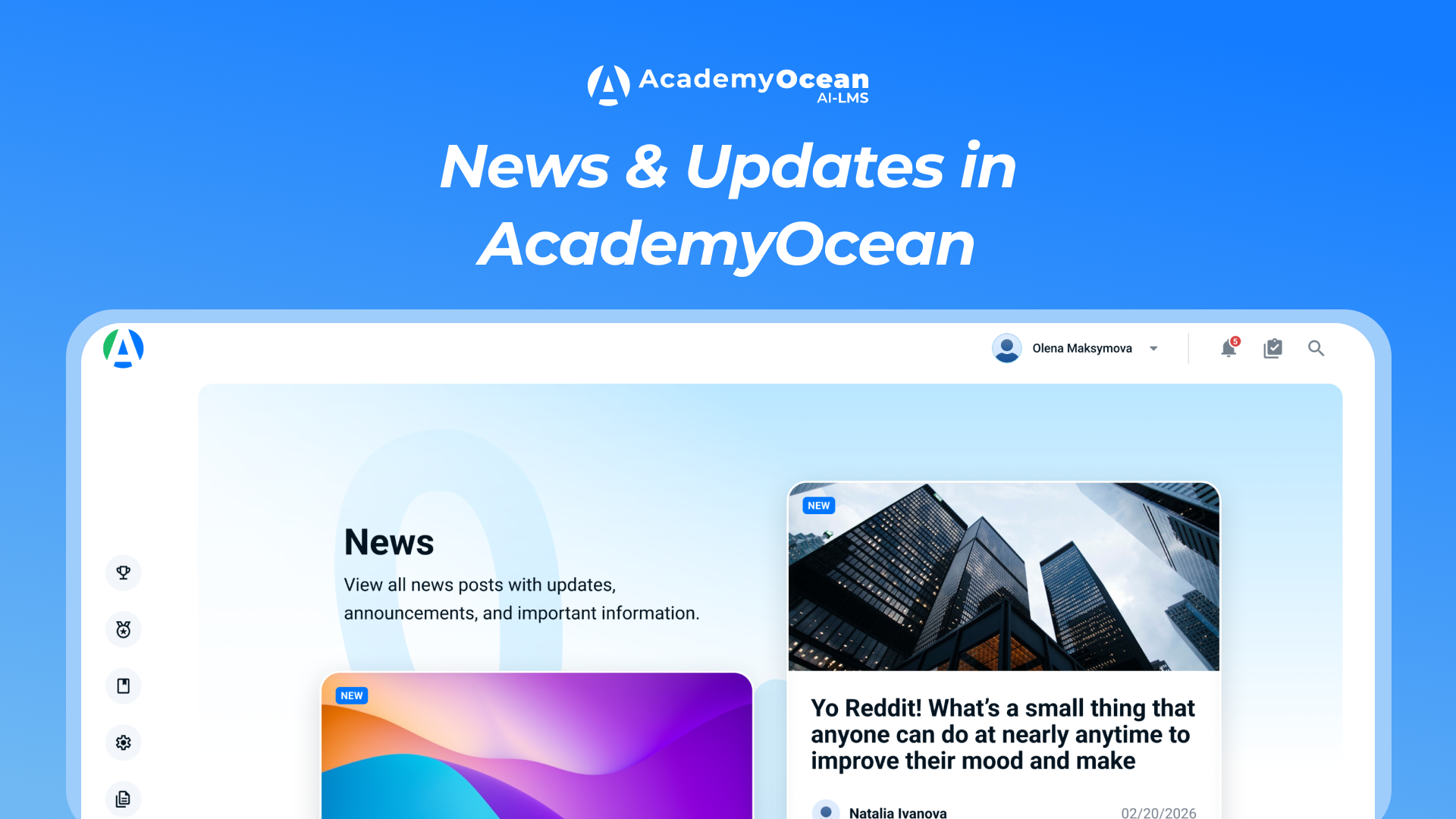
AcademyOcean: Meet News & Updates — Internal News Right in Your LMS
Hey there 👋
We keep expanding AcademyOcean's capabilities — and today we're introducing a module that will take your company's internal communications to the next level.
Meet News & Updates — a tool for publishing corporate news and updates directly inside your learning platform.
Why Add Another Communication Channel?
Corporate news gets lost in messengers, email newsletters get ignored, and the intranet is yet another login everyone forgets about.
News & Updates solves this problem: news appears where your employees already are — in the learning platform. No more duplicating information across channels. Publish once — and know exactly who has read it and who hasn't.
How It Works for Administrators
A new «News & Updates» tab appears in the Content section with a table of all created news posts. Above the table — filters by status (Published / Unpublished), title search, and pagination.

You can create a news post right there using the «Create news post» button. The editor includes:
A full-featured content editor with formatting
A title field
Cover image upload (PNG, JPG) or background color selection via color picker
Reaction settings — allow learners to react to the news post
Access settings — for all learners or specific teams and users

Publishing is controlled by a simple toggle: on — Published status, off — Unpublished. If a news post is already published and you want to make changes, the platform will notify you with a modal window. Until the changes are saved, learners continue to see the old version; updates are applied only after confirmation.
Statistics — Know Who's Reading
A Statistics tab is available for each published news post. The general report will show:
Number of views and opens
Learner reactions
Average reading time

A detailed per-learner report will show: how many times they opened the post, how long they spent reading, what reaction they left, and when they first opened it. Tables support search and export to CSV and XLSX.
What It Looks Like for Learners
A new «News» tab appears in the side navigation with an unread items counter. Inside — cards for available news posts with a cover image, title, author, and publication date. Unread posts are marked with a «New» icon.

A reading timer starts when a news post is opened. If the administrator has enabled reactions — the learner can leave one or remove it later. When a news post is first published, learners with access receive a notification — if that notification type is enabled for them.
Appearance Customization
A new «News» tab appears in the Visual Settings section, where you can configure the title and description of the news page, as well as the background color. All of this is applied on the learner side — so the news feed matches your brand's style.
For Your Business and Your Role
By Industry
Retail — keep store staff informed about assortment changes, promotions, and standard updates without dozens of messenger messages
HoReCa — notify all locations at once about menu changes, new service standards, or inspection results
Pharmaceuticals — quickly communicate changes in regulatory requirements, protocol updates, and product line news
Finance & Banking — ensure timely communication about compliance requirement changes and internal procedures across a distributed network
Logistics — deliver changes in routes, procedures, and operational standards to every employee
IT Companies — publish releases, process changes, and corporate news — and track who on the team is up to date
By Role
HR Manager — publish corporate news, policy changes, and organizational updates with the guarantee that they'll be seen
L&D Specialist — accompany learning programs with relevant news and updates while tracking engagement
Academy Administrator — manage all content from one place — courses and news in a single interface
Internal Communicator — get another channel with measurable reach instead of messages sent into the void