How to train employees with AcademyOcean
Build a structured employee training system — onboarding, testing, and analytics in one platform
Book a demoBuild a structured employee training system — onboarding, testing, and analytics in one platform
Book a demo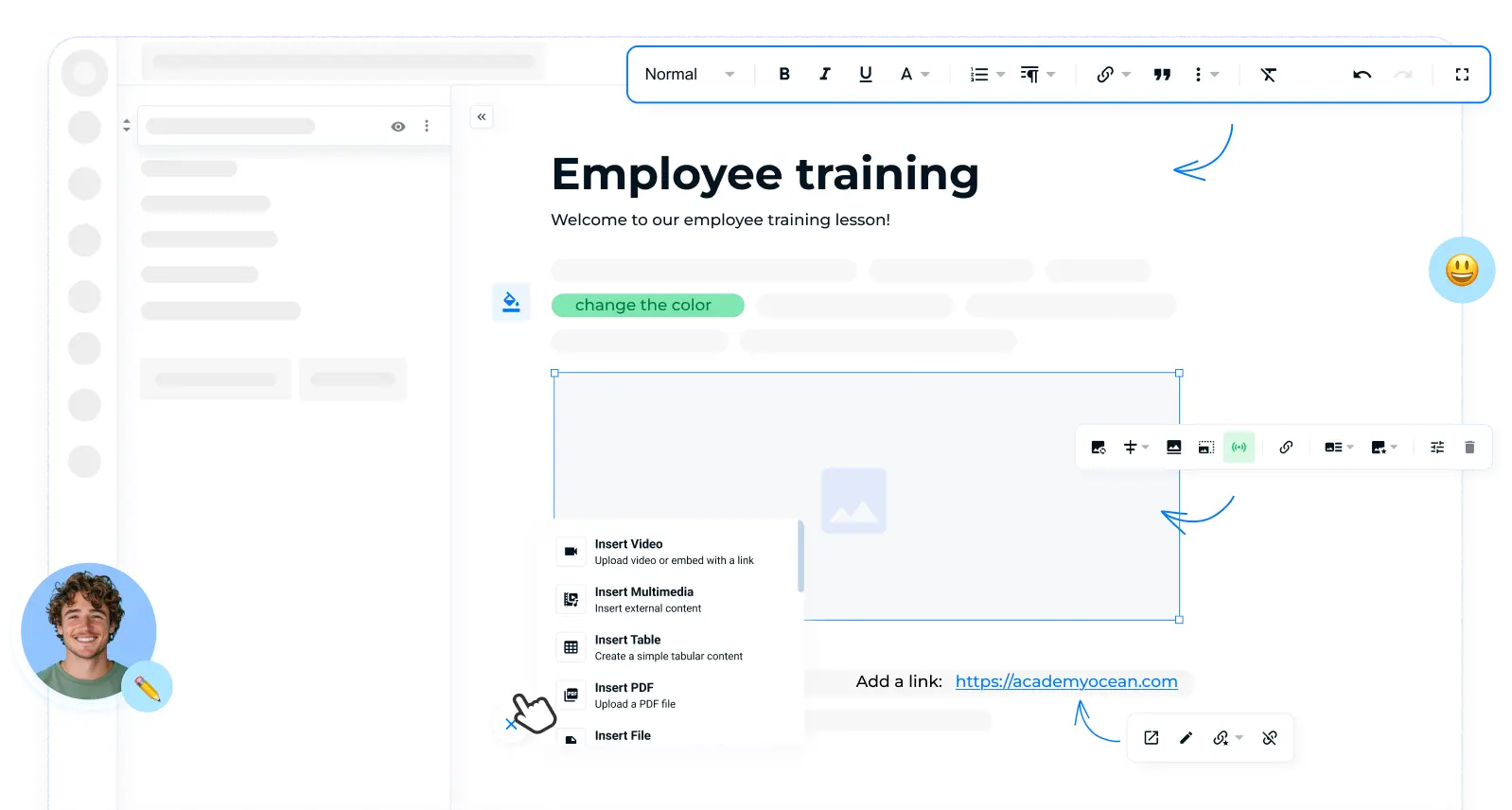
In many companies, onboarding is not built as a system but as a set of disconnected actions. Some materials are stored in Google Docs, others in presentations or PDFs, some are shared via messengers, and a significant portion of knowledge exists only in managers’ heads. Each department explains processes differently, so there is no unified standard.
As a result, new hires reach full productivity in 2–3 months instead of a few weeks, HR spends a significant amount of time on repeated explanations, and the quality of training varies depending on location or manager. A weak start often leads to higher employee turnover, as new hires lack confidence during their first months.
Upload documents, presentations, and videos into AcademyOcean and turn them into full training courses.
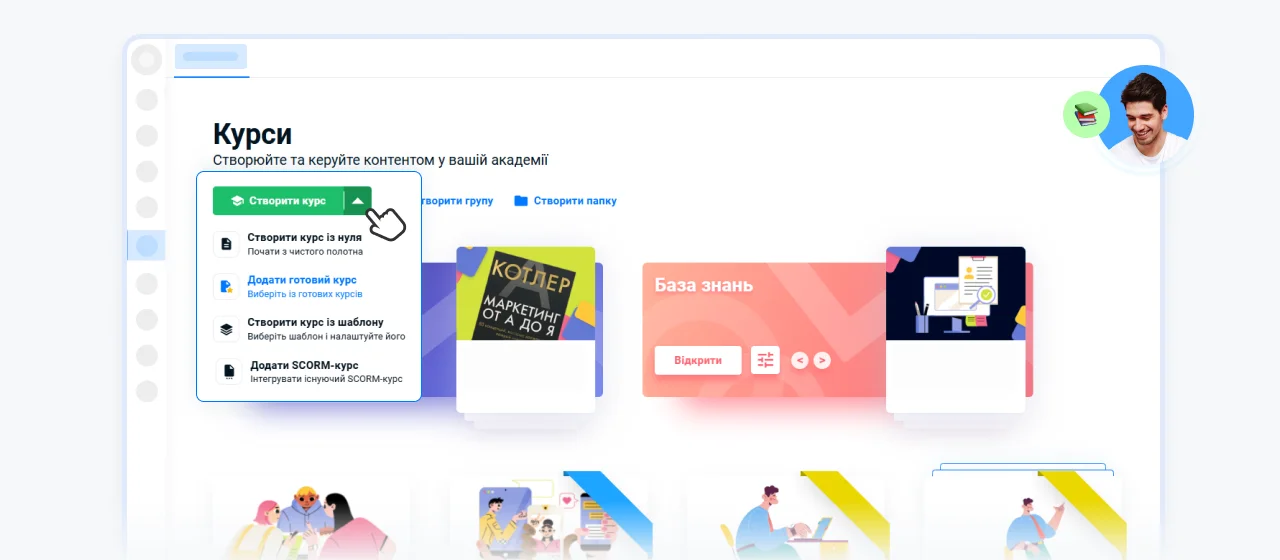
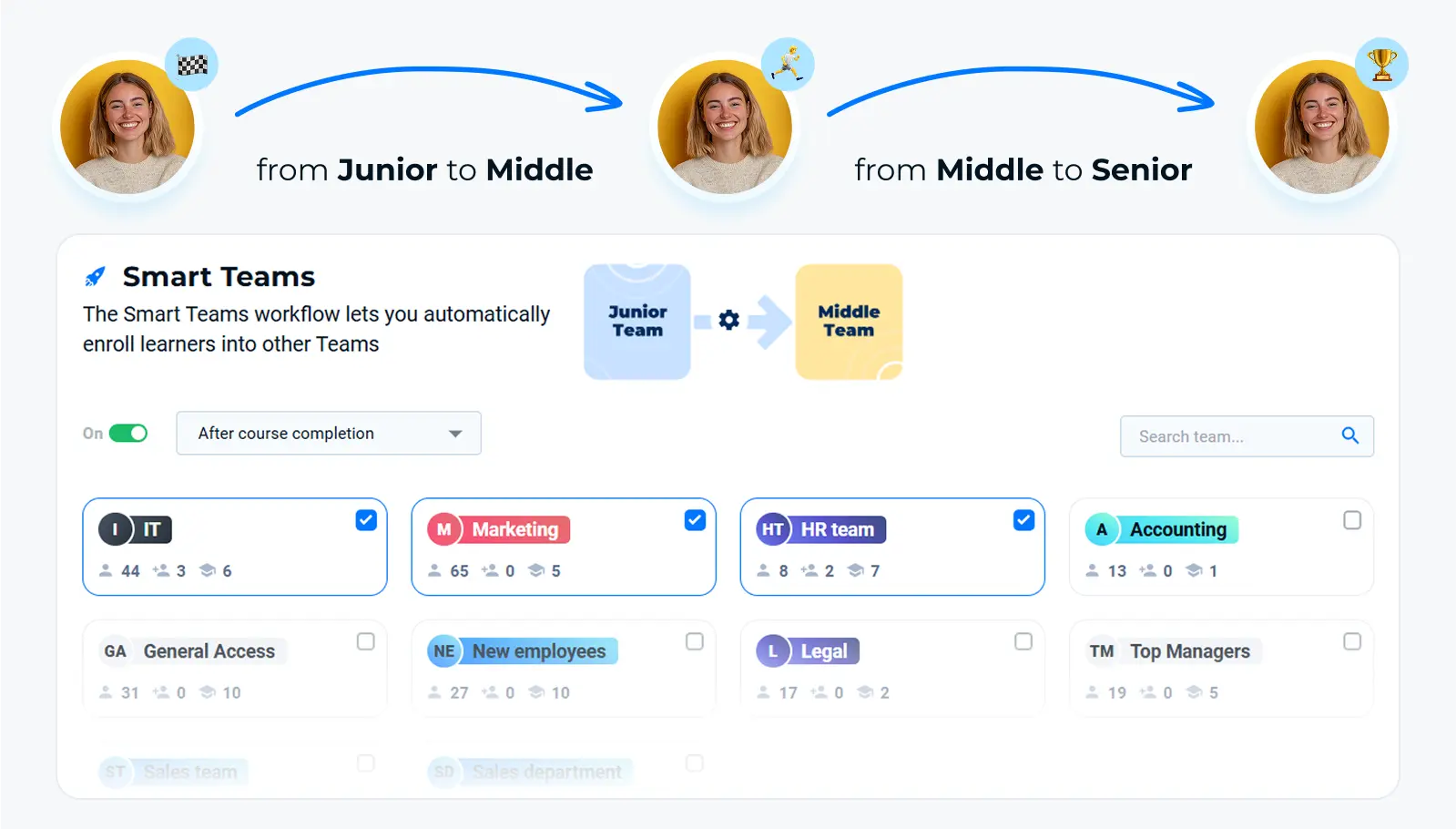
Set up separate learning paths for new hires, frontline staff, and managers. The system automatically assigns courses based on role.
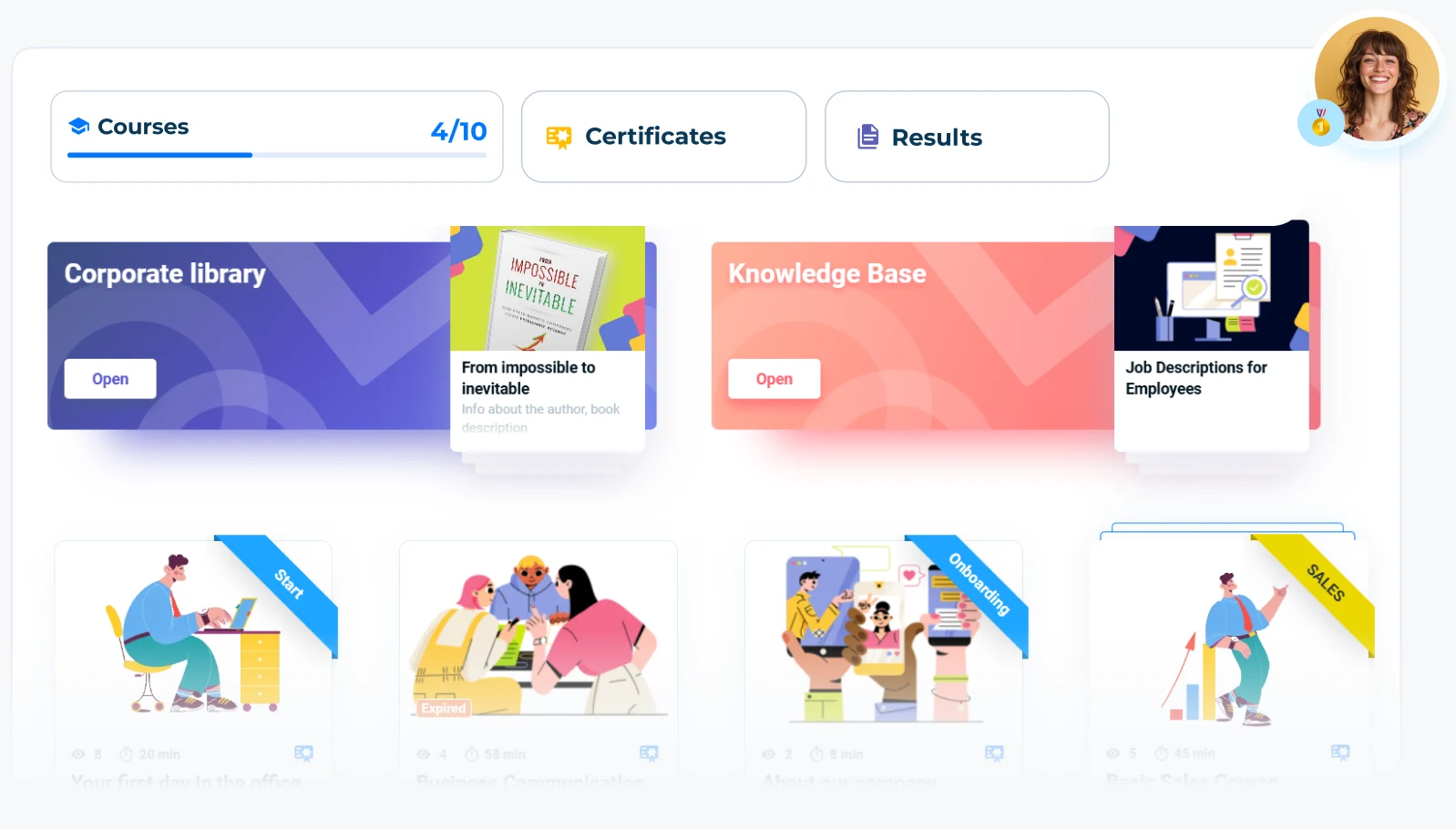
A new employee gets access to their learning plan from their first day. Training can be done both online and offline.
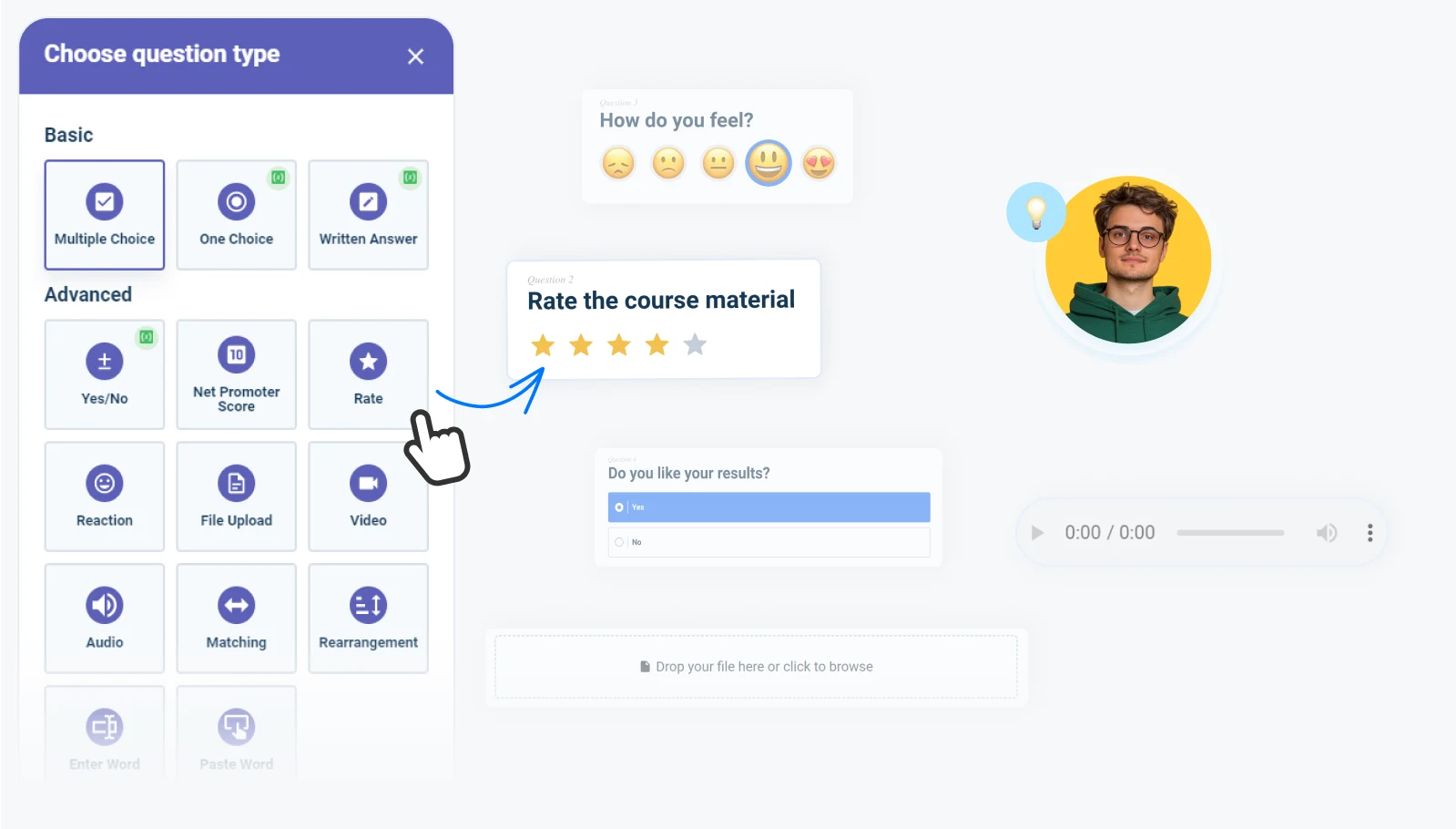
Tests, practical tasks, and checklists help assess the actual level of knowledge. Results are automatically recorded in the system.
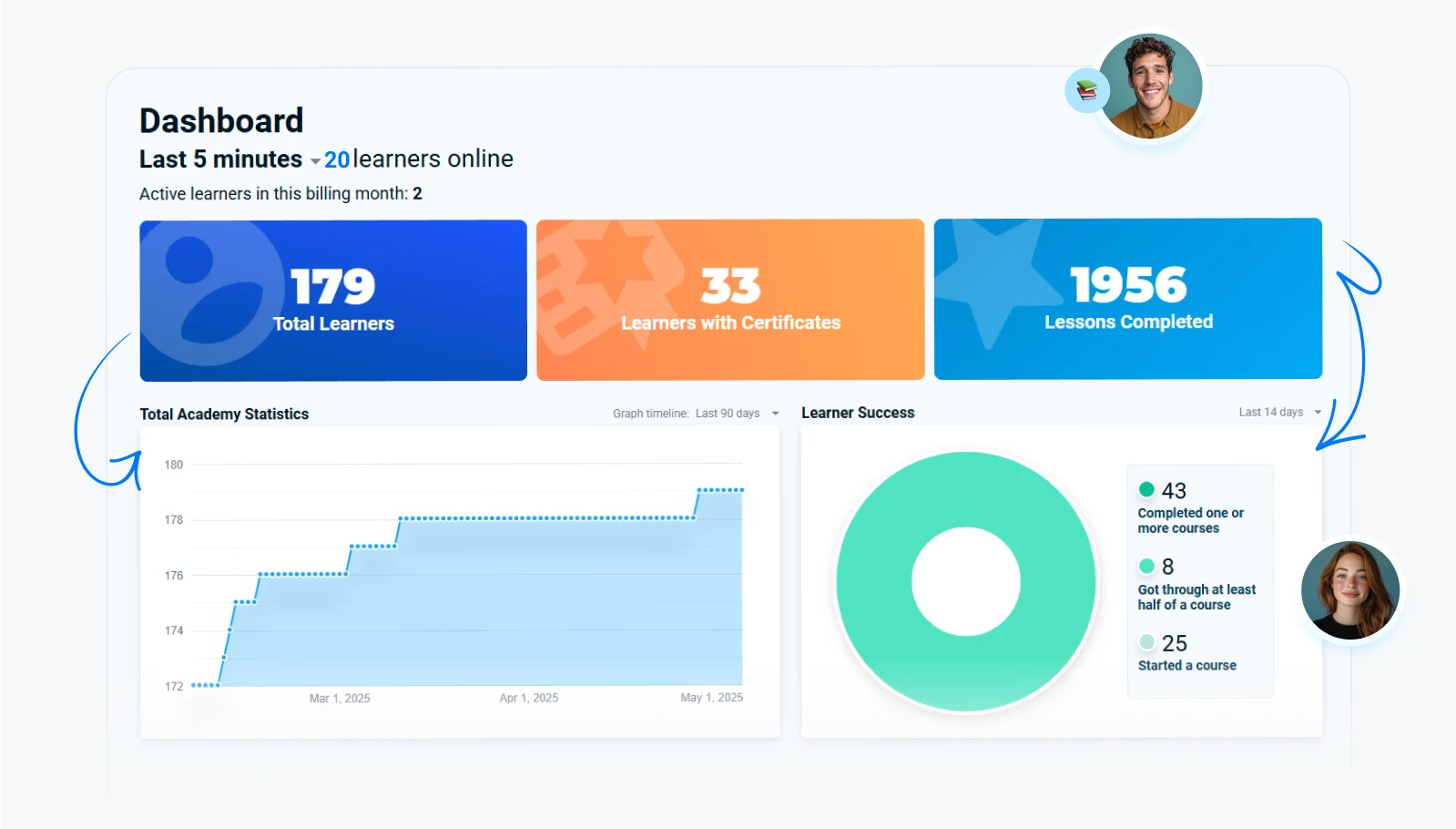
Dashboards show each employee’s progress and help quickly identify weak points in training programs.
| Metric | Before AcademyOcean | After AcademyOcean |
|---|---|---|
| Employee onboarding | 2–3 months | 2x faster |
| HR time spent on onboarding and knowledge control | Up to 40% of working time | Up to 70% time saved |
| Training standards | Vary across departments | Unified standard for all teams |
| New hire engagement | Unstable, high turnover risk | Higher engagement and a stable start |
Yes. The platform allows you to centrally manage training across different cities and countries. You control training from a single account, while standards remain consistent across all locations.
You update the course once, and all assigned employees instantly get access to the latest version. There’s no need to manually resend files or explain updates separately.
You can create and launch your first course on the day of registration. A full training system for your company can be built within a few weeks.
Yes, AcademyOcean integrates with popular systems, allowing you to automatically sync employee data and streamline processes.
Yes, the platform complies with GDPR requirements and ensures the protection of employee personal data.
We use modern access control mechanisms and support two-factor authentication (2FA) via Google Authenticator, providing additional protection against unauthorized access.