Jump To:

So let's skip the part where guides tell you to "assemble a cross-functional working group." At a startup, you have a founder, a CTO, and an HR manager who started two weeks ago. This guide is for them — practical criteria for choosing an LMS that launches in a day and doesn't require a dedicated admin a year from now.

Want a fast LMS launch?

See AcademyOcean in action

The Problem Startups Have With Learning

At a startup, onboarding usually looks like this: a Loom video from the CTO, a link to a "Welcome" Notion page, three calls with the PM, and a #onboarding-questions Slack channel. It works until you hit 15 people. By the 25th new hire, the CTO has answered the same five questions six times. By the 40th, an engineer posts in Slack: "where's the deployment doc, I saw it once."

What breaks when the team grows

Notion and Google Docs don't break technically. The process around them does. Materials go stale because no one owns updates. Every manager explains their part differently — two new hires leave onboarding with different ideas of what "ready to ship" means. Nobody checks results because testing feels like a trust exercise.

The most expensive part is how long it takes a new hire to reach full productivity. At a startup, that matters more than anywhere else — every week an engineer or salesperson isn't fully up to speed directly affects your runway. According to HR research, unstructured onboarding extends time-to-productivity by 2–3 months. For a 20-person company, that's not "lost efficiency" — that's real money running out sooner than expected.

What Actually Matters in an LMS for Startups

The biggest mistake when choosing is copying an enterprise team's checklist. Startups have a different economy, different pace, different process depth. So the list of "must-have features" is different too.

What you actually need

Fast setup without IT. Registration, branding, first course — all in one day, without filing an IT ticket.

AI for content. You don't write courses from scratch — you feed your existing documents to AI and get a structured course with tests. That's how startups save up to 80% of content creation time.

Fair pricing for small teams. Pay for active users, not for "seats in the system."

Mobile access out of the box. No extra modules, no add-on fees. Half the team at a startup learns from their phone between calls.

Step by Step — How to Choose an LMS for a Small Business

Step 1. Define your minimum feature set

Set aside 30 minutes with your founder or team lead and write down 5 things the LMS needs to handle in the next six months. Not someday in the future — right now.

For most startups this looks like: onboarding new hires, sales training, product knowledge for customer success, basic compliance, and an internal knowledge base. Everything else is out of scope until these five are covered.

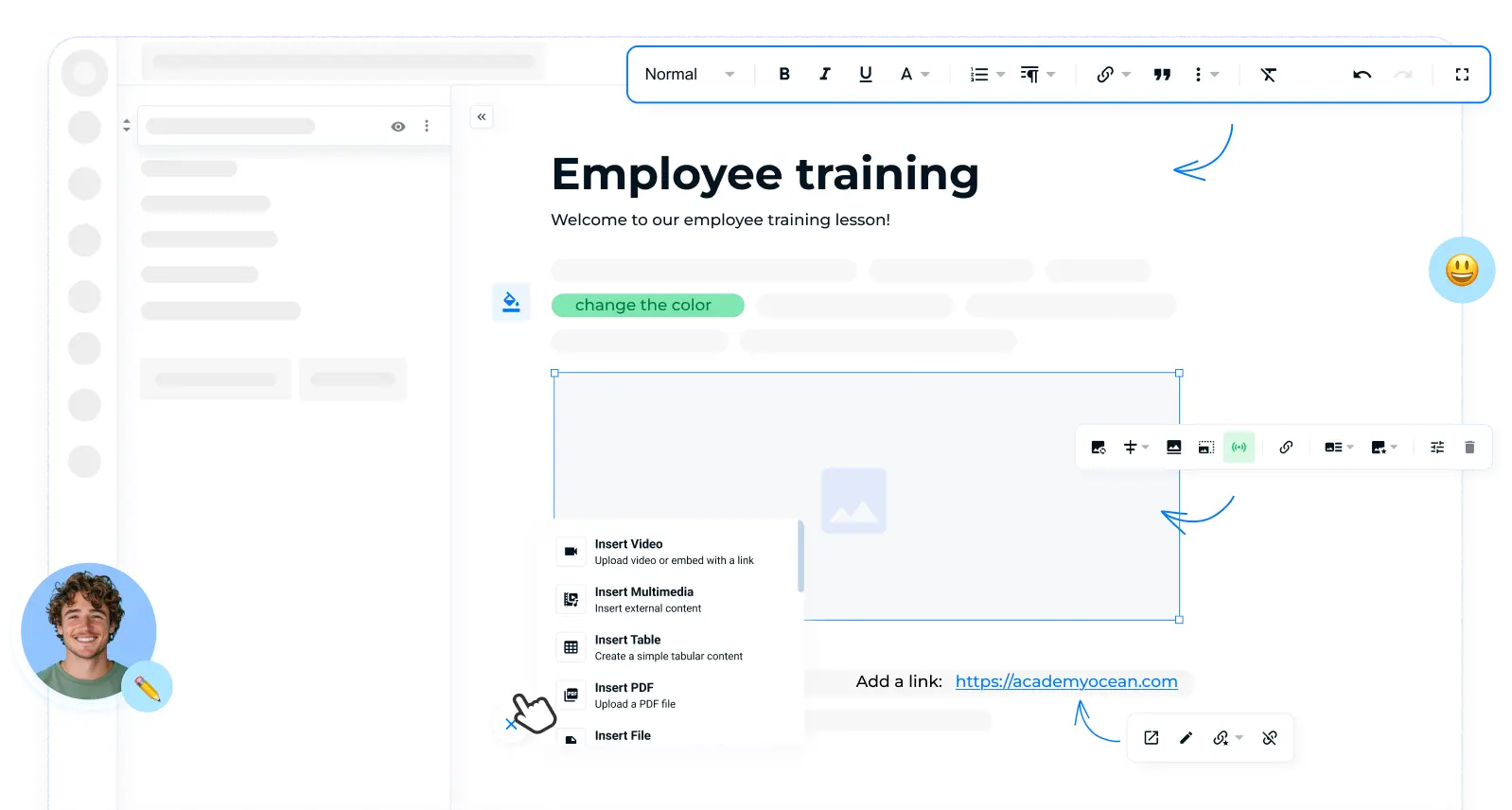
Personalized learning paths and automatic course assignment by roles in AcademyOcean

Step 2. Check the pricing model: are you paying for inactive users?

One simple rule: pay for active users, not licenses. Active means someone who actually logged in this month. You let someone go — you stop paying. You hire three new people — they just show up in the system.

The enterprise model of prepaying for 100 seats a year doesn't work for startups. Your team grows unevenly, people come and go — your learning budget needs to reflect that. If a platform can't offer a flexible pricing model, it wasn't built for you.

Step 3. Test the UX: can HR run it without technical knowledge?

Real test: give your HR manager 20 minutes to create a course and assign it to three people. No reading documentation. No call to support.

If they pull it off — that's your LMS. If not — no functional advantage the platform has will matter, because no one on your team will actually use it. Startups consistently choose tools by one criterion: time to first value. For an LMS, that means time from signup to first assigned course.

Step 4. Evaluate how fast you can get started

Simple benchmark: the first course should be ready on the day you sign up. Not after an onboarding call with the vendor's account manager. Not after IT sets up SSO. Today, 30 minutes after HR creates an account.

If a platform can't launch without hand-holding, it was built for enterprise sales cycles, not for you. For a startup, that has real consequences: slow start, dependency on support, and invoices growing before the system is actually working.

Want to see a first course launch in 30 minutes?

Start your free trial

How AcademyOcean Works for Startups

AcademyOcean is built to work for a team of 15 and a network of 5,000 employees alike. For the startup scenario specifically, there are three things that break the typical enterprise implementation cycle.

Launch without setup or an IT department

Registration, academy name and logo, first course — all of it done in 30–60 minutes. SSO, HRIS integrations, custom domain — added later, when you actually need them. The platform works out of the box from day one.

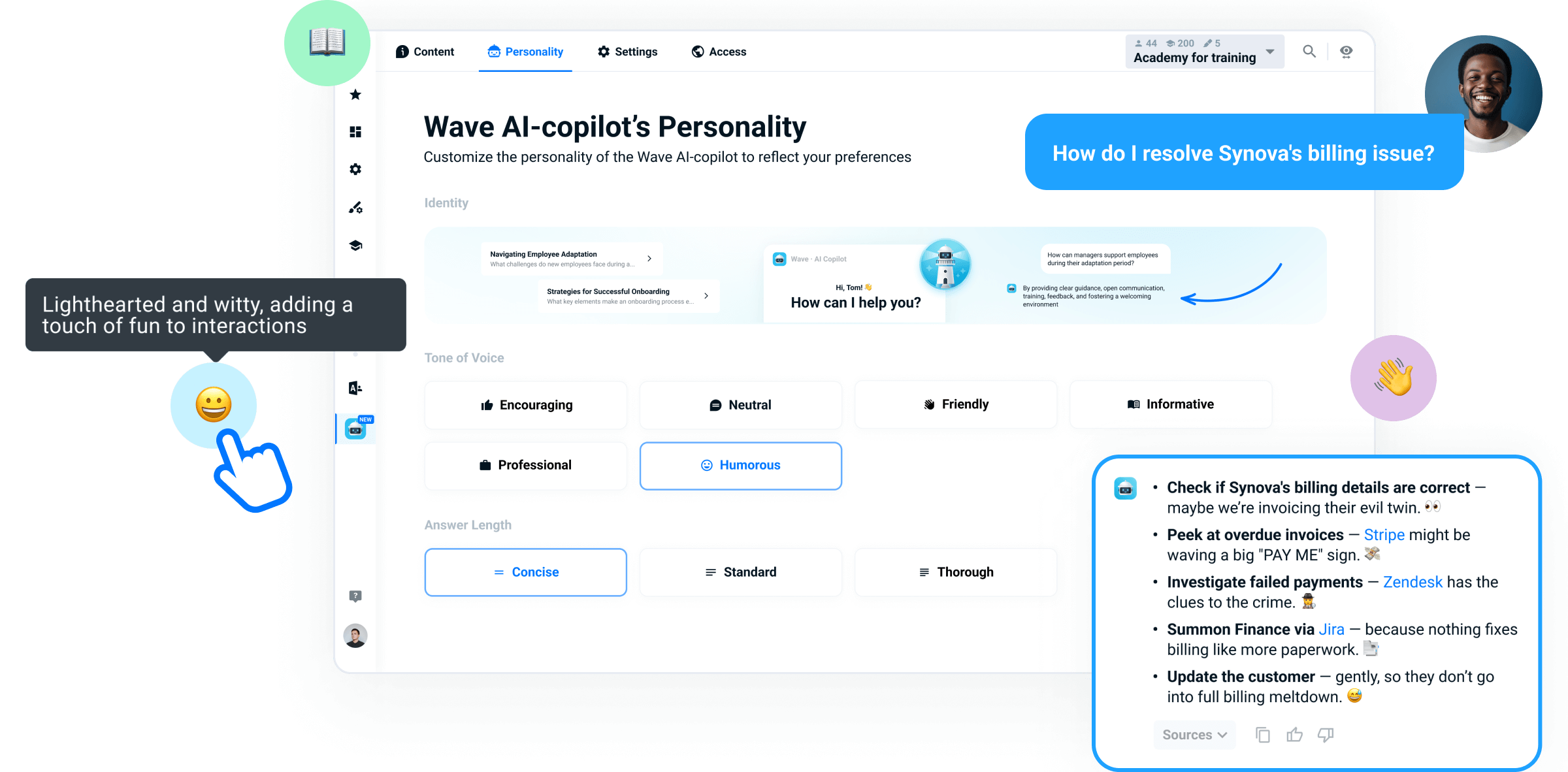
Wave AI generates your first course in minutes

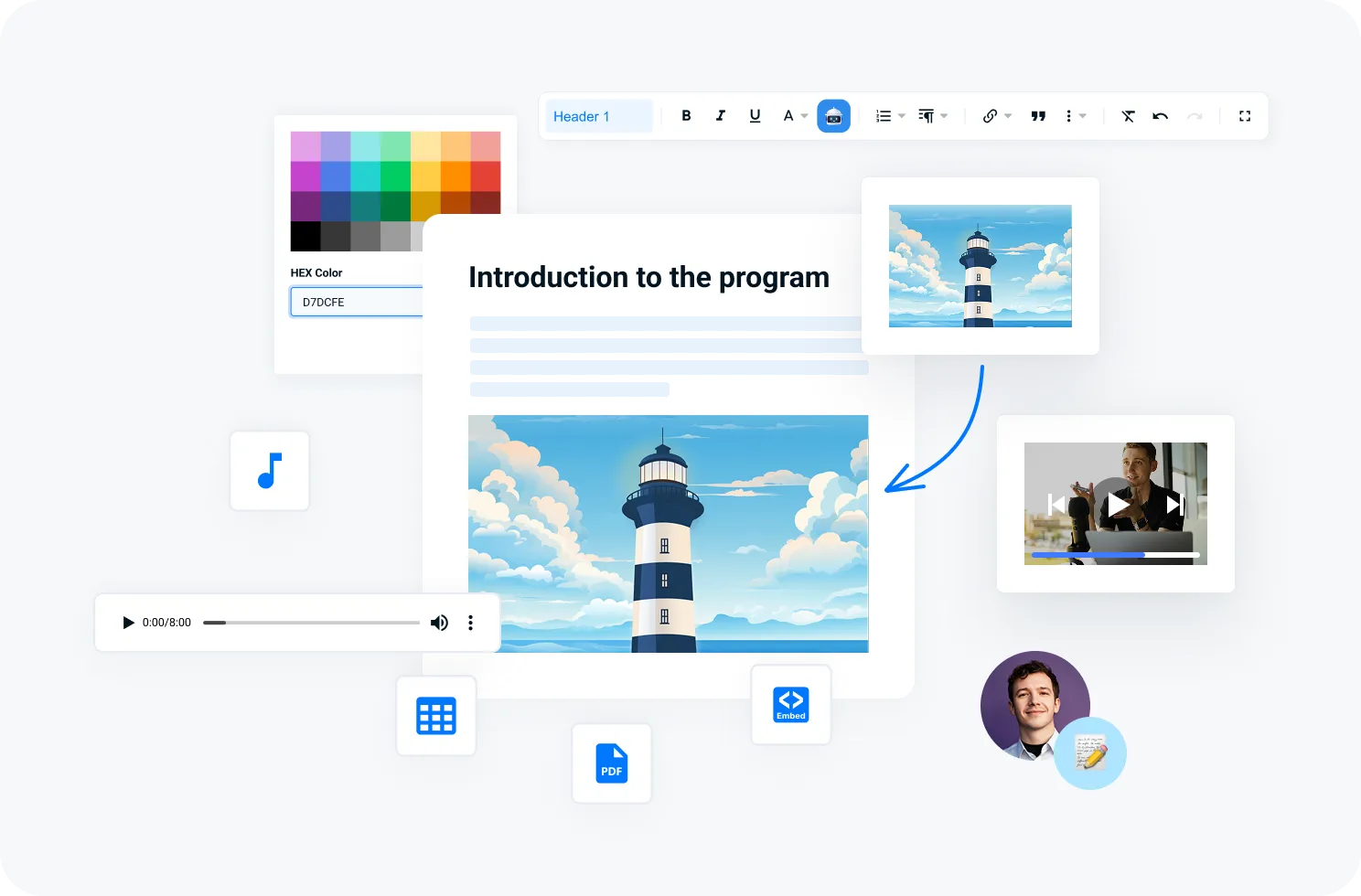
Instead of writing a course from scratch, you give Wave a text or document — and get a structured course with sections, quizzes, and examples. Ready to launch, editable to match your tone.

For startups, this removes the main blocker — "we don't have time to build courses." Your first onboarding course gets created over a coffee break, then updated as your product or processes change.

Wave AI generates your first course in minutes

Scale from 10 to thousands of users without switching platforms

AcademyOcean works the same for a 15-person team and a 1,500-person company. There's no separate enterprise tier with a different architecture — just one platform that grows with you. Integrations, multi-academies, and advanced analytics are added when you actually need them.

Launch your first academy for free — and see how a first course gets built in 30 minutes

Book a demo

FAQ

Is there a free version of an LMS for startups?

AcademyOcean offers a free trial where you can fully test the platform — create an academy, add courses, assign them to your team, and check analytics.

How much does an LMS cost for a team of up to 50 people?

The exact price depends on the number of active users and the features you need, so AcademyOcean offers individual pricing for teams of this size. The best way to get an accurate number is during a short demo.

When should a startup switch to an enterprise solution?

If you chose an LMS that scales with you, you don't need to switch. Moving to an "enterprise edition" is what happens to companies that picked an LMS sized for where they were, with no plan for three years out. AcademyOcean is built so one platform covers both the startup scenario (15 people, simple onboarding) and the enterprise scenario (1,500+ people, multi-academy, complex integrations). That means no migrations, no retraining, and no courses lost in transition.